
Context Switching Is the Productivity Tax Nobody Tracks
Context switching is the productivity tax nobody tracks. Discover the hidden focus drain across your inboxes, and how Franz ends it for good.
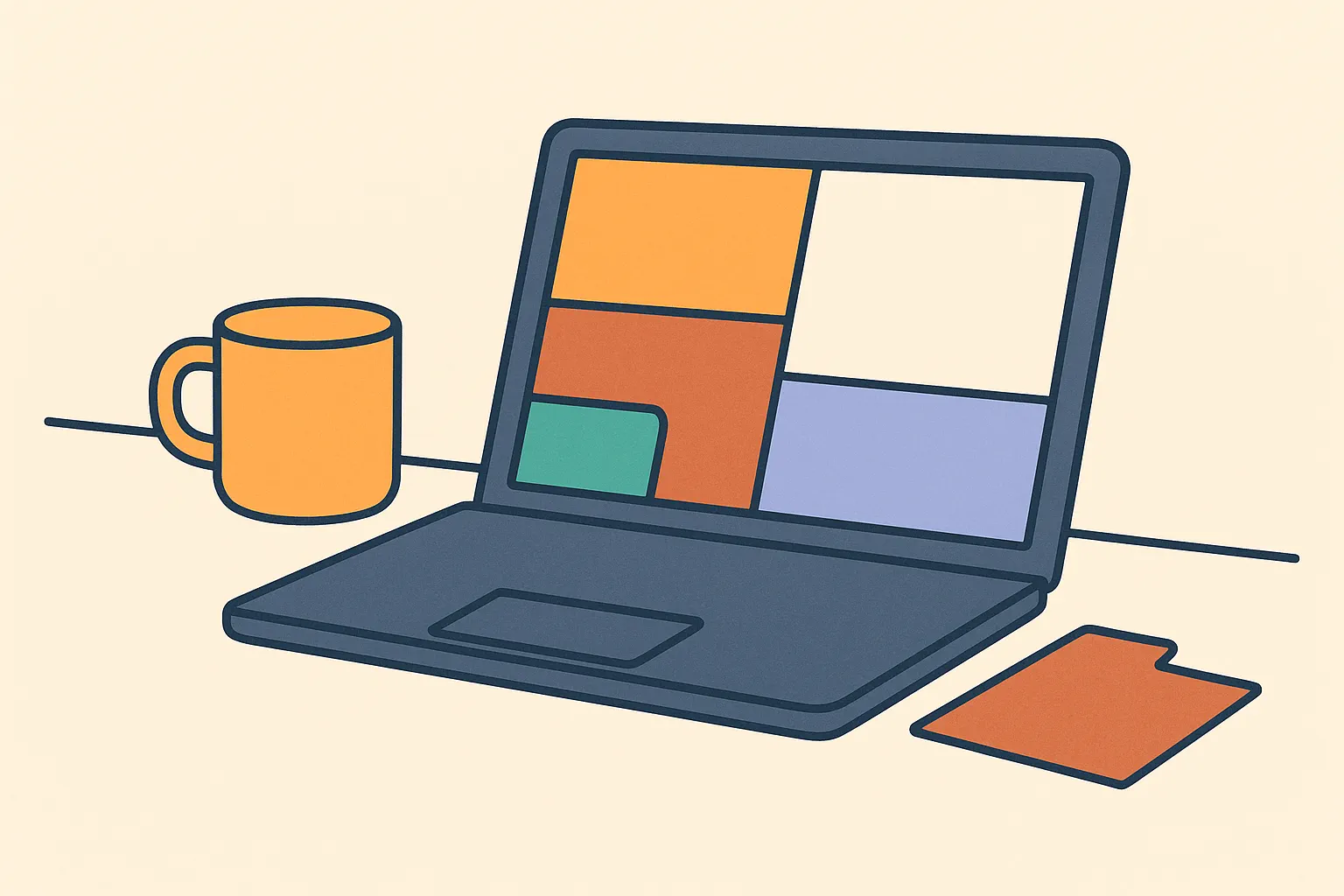
Every operator who uses three or more messaging apps for work is paying a tax they never agreed to.
What Fragmentation Actually Costs
Switching between Slack, Gmail, WhatsApp, and Discord feels free. A click. Two seconds. But the cost isn't the click. It's the reset.
Every switch forces your brain to drop one context and load another. You lose your thread. You rebuild it. Multiply that across a full workday and you're bleeding focus you'll never see on a timesheet.
You notice the symptoms before you understand the cause. The scattered feeling. The message you missed because it landed in the wrong app while you were in another one. The same thread you've read twice and still can't place. The day that ends busy and behind at the same time.
The cause is structural. Four inboxes means your attention splits four ways. No single app shows you the full picture. You carry that gap in your head.
Here's what it looks like in practice: You open Slack to check one message. Two more threads catch your eye. You respond. You switch to email. Three threads reference the conversation you just left. Now you're rebuilding context that should never have moved.
This repeats all day. Each instance is short. The total is not.
The real cost isn't the seconds you spend switching. It's the work you don't finish, the thinking, the writing, the planning, because your attention is always two tabs behind.
Each service is designed to hold you inside it. Notifications, unread counts, mention alerts, all tuned to pull you back. Multiply that pull by six apps and you're never fully anywhere. Always partially everywhere.
Where Your Hours Go
You can measure your own fragmentation cost right now.
List every messaging channel you check during a work day: email, Slack, Teams, WhatsApp, iMessage, Telegram, Discord, LinkedIn. Count them.
Now count how many times you switch between them. Include the small ones: the phone glance, the reflex tab click, the check you ran before you meant to.
The hidden cost of messaging fragmentation compounds from seconds into weeks.
Fragmentation is friction. Friction compounds. You just never saw the invoice.
Why Adding More Tools Backfires
When you feel scattered, the instinct is to add structure. A new productivity app. A weekly review. A shared workspace promising to bring everything together.
These can help at the margins. They don't fix the root problem: your communication is split across surfaces that don't connect.
A task manager on top of fragmented messaging doesn't reduce your switches. It adds one more place to check. An AI assistant on top of fragmented messaging gives you a faster way to process the chaos. It doesn't shrink the chaos.
Organizations that layer new tools onto fragmented workflows rarely see lasting gains. The ones that do redesign the workflow first, then add the tool 1. Consolidation before addition. Not the other way around.
Don't automate the mess
Fix the surfaces first. Then optimize what remains.
What Consolidation Actually Looks Like
Consolidation isn't about deleting accounts. It's about reducing the number of places you need to look.
The goal is one view across every messaging channel. Not a mirror. You're not managing messages twice. A single surface where every thread lives in context, so you check once and see everything.
The change to your day is immediate and concrete. Instead of opening five apps in sequence every morning, you open one. You triage from one view. You respond. You close it.
The drop in switching is obvious. The drop in mental overhead (no longer tracking which thread lives where) is quieter but bigger. You stop carrying an informal map of "where did that message come from" in your head.
For operators running client communication across WhatsApp, email, and Slack at the same time, that's the exact problem an all-in-one messenger solves, and the one Franz was built for. Every service gets its own workspace. Every workspace shows the native interface. You respond exactly as before. But you open one window to see all of it.
The goal isn't to change how you communicate. It's to change how many places you go to do it.
Making the Switch Without Losing Threads
Consolidation has one practical risk: the first few days feel wrong.
Start with your highest-volume channels. The two or three services that generate the most messages in your day. Add those first.
Start with the live feed
Give it a full week before you judge. Early friction isn't evidence of a bad decision. It's a habit that hasn't formed yet.
After a week, count your app switches. Compare to before. The number is almost always lower. The scattered feeling is almost always less.
Remove duplicate notifications
Quick-Start Checklist
Measure your current cost
- List every messaging service you check during a work day
- Count your estimated daily app switches
- Multiply by 30 seconds for your daily switching overhead
- Multiply by 250 work days for your annual cost in hours
Identify your top channels
- Mark the three services with the highest daily message volume
- Mark any service where you have active client or collaborator threads
- Rank them by volume and stakes, start there
Set up consolidated access
- Add your top three services to a unified messaging client
- Confirm notifications route through one surface only
- Turn off native app notifications on all other devices
Run your first unified work session
- Open only your consolidated inbox at the start of your next work day
- Triage all active threads from one surface
- Note how many times you need to open a separate app
Evaluate after one week
- Recount your daily app switches
- Check for any missed messages or communication gaps
- Add or remove services based on what is missing or redundant
The tax does not disappear on its own. But once you see it clearly, you can stop paying it.
- Context Switching
- Focus and Productivity
- Messaging App Overload
- Inbox Fragmentation
- Deep Work
Related reading

Add Slack, WhatsApp, and Signal to One Window
Add Slack, WhatsApp, Signal, email, and more to one Franz window so every account stays signed in, separated, and reachable from one sidebar.
5 AI Automation Tools That Work Across Your Workflow
Compare five AI automation tools for cross-app workflows, from Make and Zapier to n8n, Relevance AI, and Bardeen, without rebuilding your entire stack.
All-in-one messenger: keep every chat in one desktop app
Bring WhatsApp, Slack, Telegram, Messenger, email, and more into one desktop app. See when an all-in-one messenger helps and how Franz keeps it simple.
Sources
- 1. The State of AI in the Enterprise · Deloitte ↗