
5 AI Automation Tools That Work Across Your Workflow
Compare five AI automation tools for cross-app workflows, from Make and Zapier to n8n, Relevance AI, and Bardeen, without rebuilding your entire stack.
The Problem With "Automated" Work
Most apps automate themselves. They don't automate your *process*.
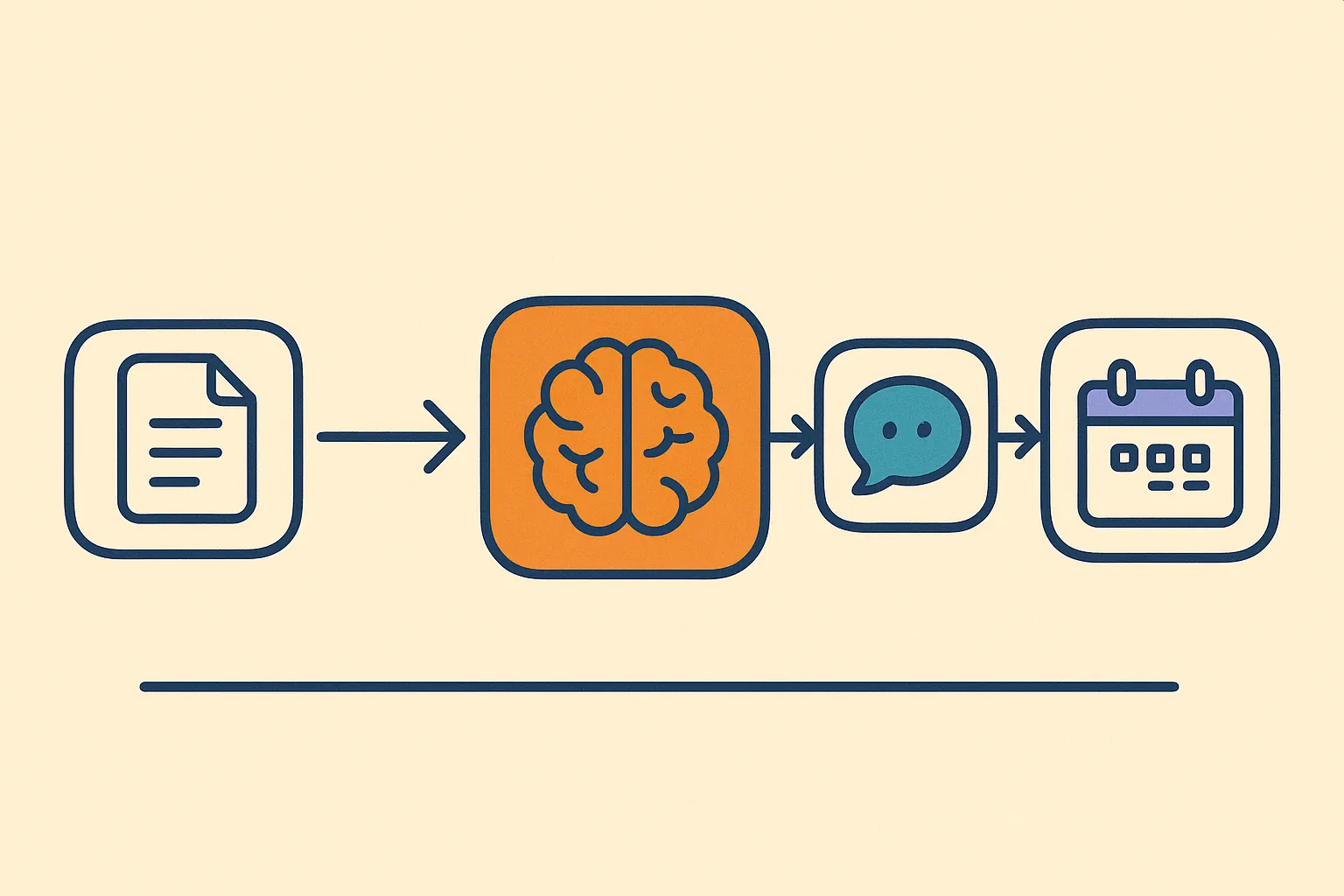
AI automation tools change that. They connect your apps and make decisions. Not just move data from A to B.
Here are five worth your time. Use the tool consolidation pillar if you want the broader rule set before choosing a platform.
The Five Tools
n8n is open source and self-hostable. That matters if your data can't leave your servers. Pull a Slack message, summarize it with GPT, draft a reply, post it to Notion. One flow. You need to know JSON. But nothing is locked behind a pricing tier.
Best for: Teams with a developer. Processes that touch sensitive data.
Make.com is the most visual. Drag modules onto a canvas and watch data flow in real time. Use the OpenAI module to classify emails, route support tickets, or pull data from PDFs. No code required. The free tier gives you 1,000 operations a month, enough to test before you commit.
Best for: Non-technical operators. Quick prototypes.
Zapier connects the most apps. AI by Zapier lets you write prompts inside your Zaps: translate messages, summarize threads, categorize leads.
Watch the scaling cost
Best for: Simple automations. Teams already in the Zapier ecosystem.
Relevance AI is built for agents. Build reusable blocks. One reads a PDF, one searches the web, one drafts an email, then chain them. The right pick for lead enrichment or document processing at scale.
Best for: Sales teams. Research-heavy workflows.
Bardeen works inside your browser. It scrapes pages, clicks buttons, fills forms. The AI Scraper is the standout: point it at any website, describe what you want, and it pulls the data. No API needed.
Best for: Solo operators. Browser-based manual tasks.
How to Pick
Selection rule
Write down one process that costs you an hour a week. Where do you touch more than one app? Where do you make a judgment call?
Simple decisions like routing an email to a folder: Zapier or Make handles it. Decisions that need context, like summarizing a thread and drafting a reply, need AI in the loop. Use n8n or Relevance AI. Tasks that live in the browser? Start with Bardeen. If the repeated task starts in chat, first pull Slack, WhatsApp, Signal, and email into one window so the automation has a stable starting point.
“Pick one tool. Automate one flow. Ship it this week.”Most teams plan a big automation overhaul. It never ships. One flow does.
Start Here
Open your task manager. Find one task you repeat more than three times a week. That's your automation candidate.
Recommended starting path
Franz keeps your Slack, email, WhatsApp, and messaging apps in one window. Pair it with an automation tool and you stop context-switching entirely, between apps and between decisions. For the broader cost behind that habit, see why knowledge workers lose so much of the week to app switching.
- ai automation
- workflow automation
- no-code automation
- app integration
- automation tools
Related reading
Add Slack, WhatsApp, and Signal to One Window
Add Slack, WhatsApp, Signal, email, and more to one Franz window so every account stays signed in, separated, and reachable from one sidebar.
10 Apps That Cut Your Team's Daily Coordination Tax
Small teams lose hours when work scatters across too many apps. Build a focused stack that cuts checking, handoffs, app overlap, and coordination drag.
Why Knowledge Workers Lose 11+ Hours a Week to Email
Knowledge workers lose 11+ hours a week to email, search, and app switching. See where the time goes and how one Franz workspace cuts the overhead.