
10 Apps That Cut Your Team's Daily Coordination Tax
Small teams lose hours when work scatters across too many apps. Build a focused stack that cuts checking, handoffs, app overlap, and coordination drag.
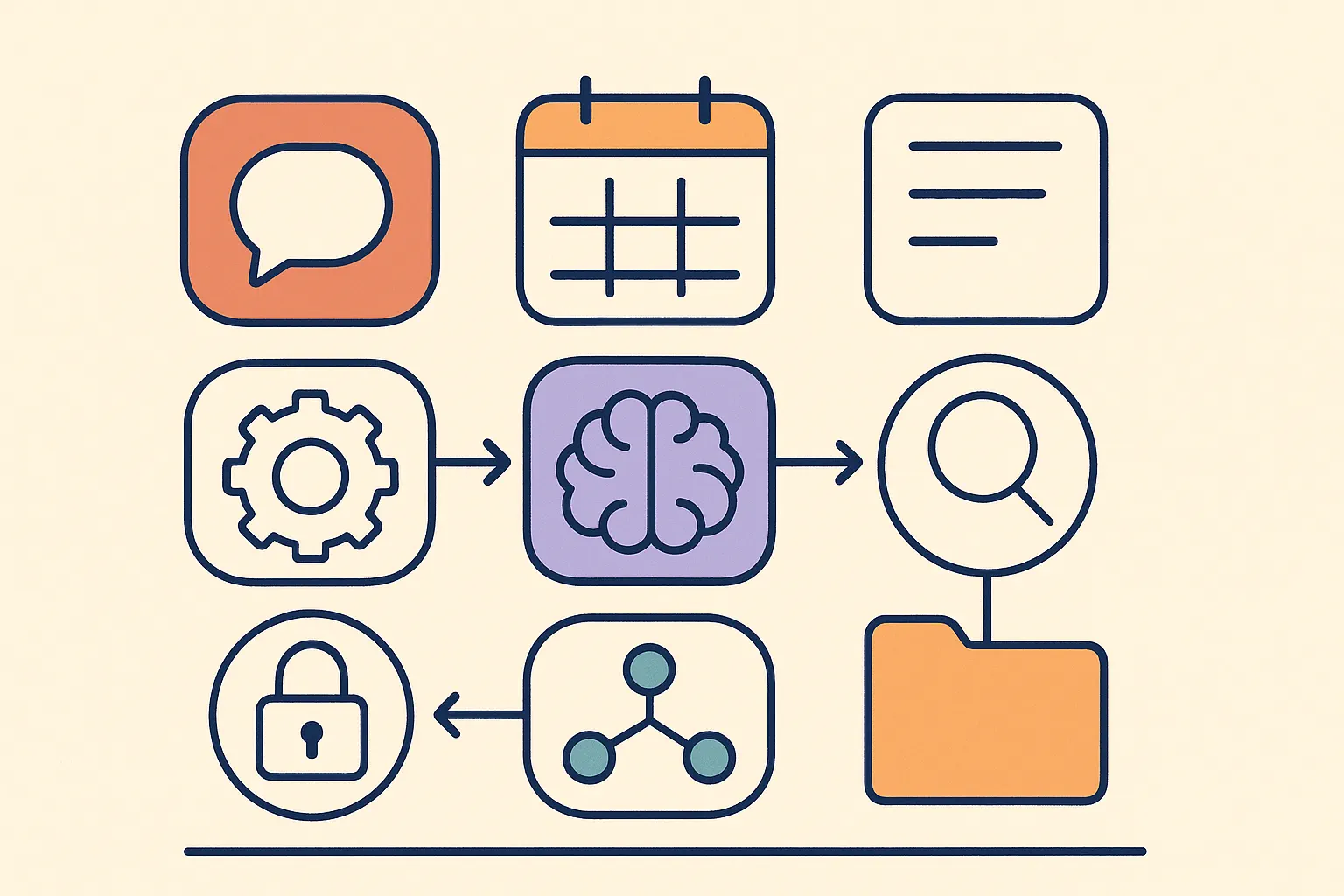
Before lunch, your team has checked Slack, email, Discord, WhatsApp, a task tool, and a shared drive. Messages land in different apps. Tasks split across three tools. Files scatter.
That's not productivity. It's coordination tax. Every minute spent hunting is a minute not spent on work.
The right tools cut the places you have to check. If communication is the first leak, start by bringing Slack, WhatsApp, Signal, and email into one window. If the whole stack needs pruning, use the solo and small-team productivity pillar as your broader map.
Here are ten.
Start With Communication
If messaging is broken, nothing else matters.
1. Franz
Every app you use (Slack, Discord, WhatsApp, Signal, email, 70+ more) in one desktop window. No switching. No missed messages buried in a tab you forgot to check.
For anyone juggling multiple clients or channels, Franz kills the single biggest time drain: hunting for conversations. One window. Everything there. Pair the tool stack with communication patterns that protect deep work so the stack stays calm after you clean it up.
Franz
A desktop messaging hub that consolidates Slack, Discord, WhatsApp, Signal, email, and 70+ other services into a single window with workspaces, do-not-disturb, and unified notifications.
2. Slack
Slack works best when it sits alongside your other channels, not as a separate app you tab into alone. Channels keep work organized by project. Threads stop conversations from clogging the main feed.
Use Slack for team chat. Don't use it as a task manager or file store.
Slack
A business chat platform built around channels and threads, with searchable history, voice huddles, and deep integrations across the rest of your software stack.
3. Loom
Some things take ten minutes to type and thirty seconds to show. Loom records short screen videos with your face in the corner. Hit record, walk through the problem, send the link.
Reach for Loom when writing a long explanation would take longer than just showing it. Works well for code reviews, design feedback, onboarding.
Loom
A screen and webcam recorder that turns long explanations into short shareable videos, with viewer analytics and comment threads attached to every clip.
Project and Task Management
Communication shows you what's happening. Project tools show you what happens next.
4. Linear
Built for software teams. Fast, opinionated, stays out of your way. Issues live in cycles. Progress is visible without weekly status calls. Keyboard shortcuts actually work.
If your team ships code, Linear is the clearest way to see what's in flight, what's done, and what's stuck.
Linear
Issue tracking and roadmap planning for product teams, with cycle-based sprints, keyboard-first navigation, and a deliberately opinionated workflow.
5. Notion
Notion handles what doesn't fit in a ticket tracker: meeting notes, wikis, briefs, specs. Build it once and the whole team has access.
The trap is overbuilding it. Start simple. A few databases and linked pages is enough. Let structure grow from real use.
Notion
A connected workspace that combines docs, wikis, lightweight databases, and project boards in one editable surface for the whole team.
6. Todoist
For personal tasks, Todoist wins on simplicity. Projects, priorities, due dates, recurring tasks, clean interface, every device, natural language input.
Pair it with Notion or Linear. Todoist handles your action items; the team tool handles shared work.
Todoist
A cross-platform personal task manager with natural-language input, recurring tasks, priorities, and a clean interface that stays out of the way.
Time Tracking and Focus
Most teams don't have a motivation problem. They have a distraction problem.
7. Toggl Track
Gut feelings about where time goes are almost always wrong. Toggl makes tracking fast enough that people do it. One click to start. One click to stop. Weekly reports show where hours actually go.

Toggl Track
A time-tracking app with one-click timers, project tags, and weekly reports, light enough to use daily, detailed enough for client billing.
Run a two-week time audit
8. Reclaim
Reclaim connects to your calendar and defends focus time. It schedules deep work blocks, moves low-priority meetings when something urgent appears, and protects lunch.
Small teams skip this until every hour belongs to someone else's meeting request. Reclaim flips that default: your best hours are booked before anyone else can grab them.
Reclaim
An AI calendar assistant that schedules focus time, defends recurring habits, and rebalances flexible meetings as priorities shift through the week.
Files and Design
Work lives in files. Your team needs to find, edit, and share them without emailing attachments back and forth.
9. Google Workspace
Docs, Sheets, and Drive make shared editing simple. Everyone edits the same file. Comments are threaded. Version history lets you recover earlier drafts.
The shared calendar matters too. One system removes the "what time works?" loop.

Google Workspace
Google's productivity suite (Docs, Sheets, Slides, Drive, Gmail, and Calendar) built around real-time collaboration, sharing controls, and version history.
10. Figma
Design used to mean handoffs: exports, downloads, everyone on a different version. Figma ends that. Designers, developers, and product managers work in the same file at the same time.
Non-designers use it for wireframes, diagrams, and mockups. The free plan covers most small teams.
Figma
A browser-based design and prototyping platform built around real-time multiplayer editing, with developer handoff, libraries, and a generous free plan.
Automation
These tools only pay off if they work together. Manual copying between apps erases the time you just saved.
Zapier connects your stack without code. When a Linear issue closes, Slack gets a message. When a form comes in, Notion gets a new row. When a payment lands, your team gets notified.

Zapier
A no-code automation platform connecting thousands of apps with multi-step workflows triggered by webhooks, schedules, or events from your existing stack.
Automate in threes
Your Stack Checklist
Keep the stack small
Three rules before you build or audit:
Match tools to team size. A two-person team doesn't need Linear. Ten people probably do. Notion serves both.
Pick based on pain, not features. The right question isn't "what does this do?" It's "what hurts most right now?" Start there.
Avoid overlap. Two task tools creates confusion about which one counts. Pick one per category and commit for at least three months.
Communication
- All messaging channels in one place (Franz)
- Team chat organized by project or topic (Slack)
- Async video for walkthroughs and reviews (Loom)
Task and Project Management
- Shared issue or task tracker for team work (Linear or Notion)
- Personal task list synced across devices (Todoist)
- Central knowledge base for docs and specs (Notion)
Time and Focus
- Time tracking active for billable or tracked work (Toggl)
- Focus blocks defended on the calendar (Reclaim)
Files and Design
- Single source of truth for shared documents (Google Workspace)
- Shared design file accessible to the whole team (Figma)
Automation
- At least three manual workflows replaced with Zapier automations
Ask every quarter:
- Which tool did nobody open this month?
- Where does work still get copied manually between apps?
- Which app creates the most confusion about where to look?
Key takeaways
- Remove tools nobody uses.
- Fix the apps that create friction.
- Add new tools only when a clear gap costs real time.
- The best stack is the smallest one that removes the most pain.
- team apps
- productivity tools
- app stack
- workflow tools
- messaging hub
Related reading
5 Communication Patterns That Protect Deep Work
Protect deep work with five communication habits: scheduled message blocks, clearer asks, channel fit, predictable replies, and faster loop closing.
The Secret to Team Intelligence Is Listening, Not IQ
MIT research shows team intelligence depends less on individual IQ than on turn-taking, listening, and social sensitivity in everyday communication.
Add Slack, WhatsApp, and Signal to One Window
Add Slack, WhatsApp, Signal, email, and more to one Franz window so every account stays signed in, separated, and reachable from one sidebar.
Why Knowledge Workers Lose 11+ Hours a Week to Email
Knowledge workers lose 11+ hours a week to email, search, and app switching. See where the time goes and how one Franz workspace cuts the overhead.