
Fewer tools, more clarity
Tab fatigue is real. But consolidating your stack shouldn't mean losing the flexibility your work demands.
Every tool joined the stack for a reason. Slack for the team channel that needed real-time presence. Discord for the community. Email for the suppliers who still prefer it. Telegram for the one client who refuses to install anything else.
Then one day the stack stops being a toolkit and starts being a tax. You context-switch between four apps to send three messages. You miss the question buried in tab seven. The cost of the next tool is no longer measured in dollars but in attention.
Consolidation done well does not collapse those tools into one bland surface. It keeps the differences that matter, separate logins, distinct notification rules, the muscle memory of each native UI, and removes the friction of jumping between them.

Gmail Desktop App: When the Browser Stops Being Enough
A practical guide to using Gmail in a desktop workspace when email, chat, calendars, and client accounts no longer fit cleanly in browser tabs.
Rambox Alternatives: What to Use When One Window Gets Too Busy
Compare Rambox alternatives for people who want one desktop workspace for WhatsApp, Slack, email, and client communication without extra noise.

Chat Aggregator Apps: What They Are and When to Use One
A practical guide to chat aggregator apps for focused work: what they combine, where they help, where they fail, and how to choose one daily.
Beeper alternatives: what to use for desktop messaging
Compare Beeper alternatives for desktop messaging: Franz, Rambox, Ferdium, official apps, and browser tabs. Choose around the accounts and features you use.
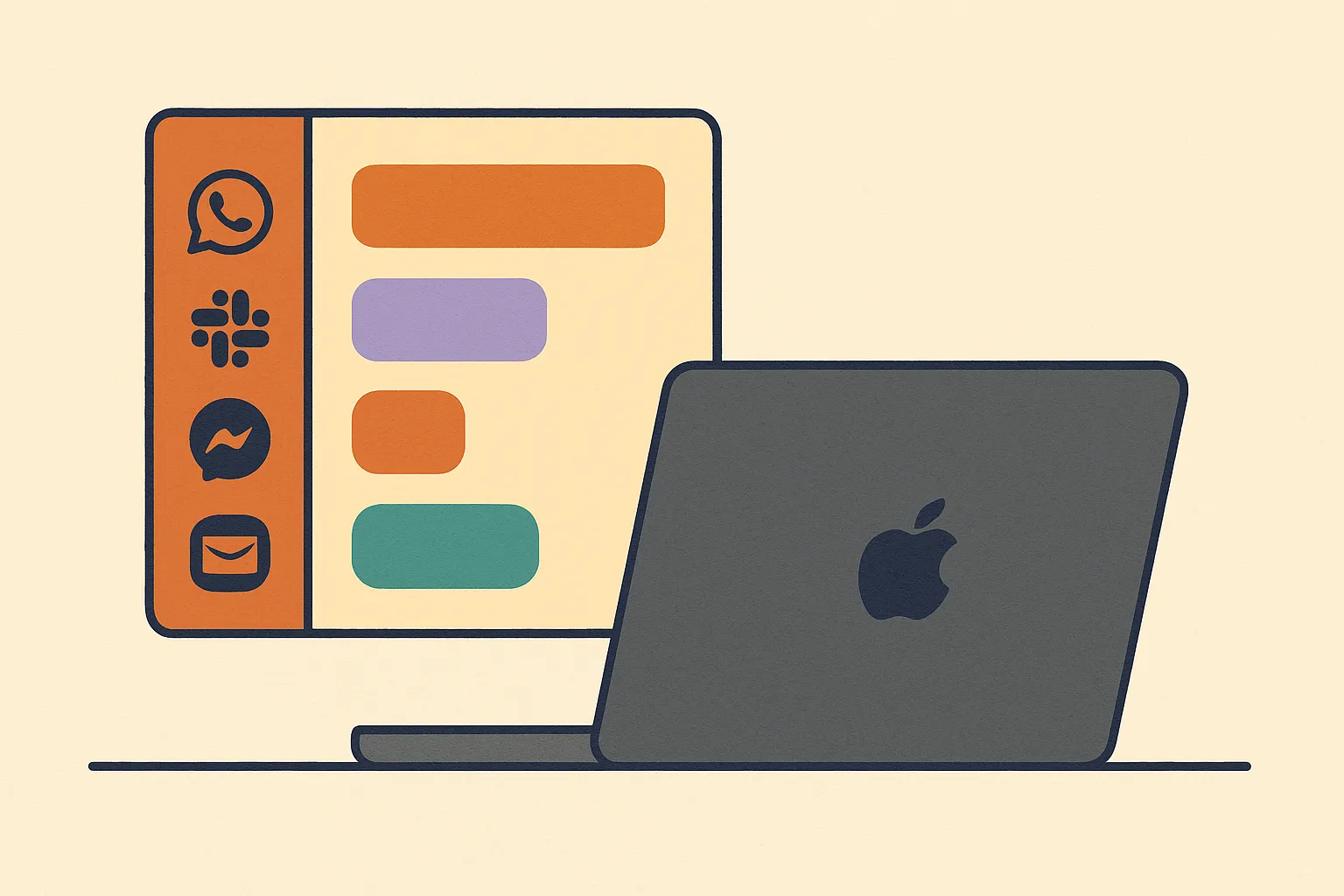
Franz for Mac: keep every messenger in one desktop app
Download Franz for Mac and keep WhatsApp, Slack, Telegram, Messenger, and email in one desktop app built for calmer messaging on macOS today.
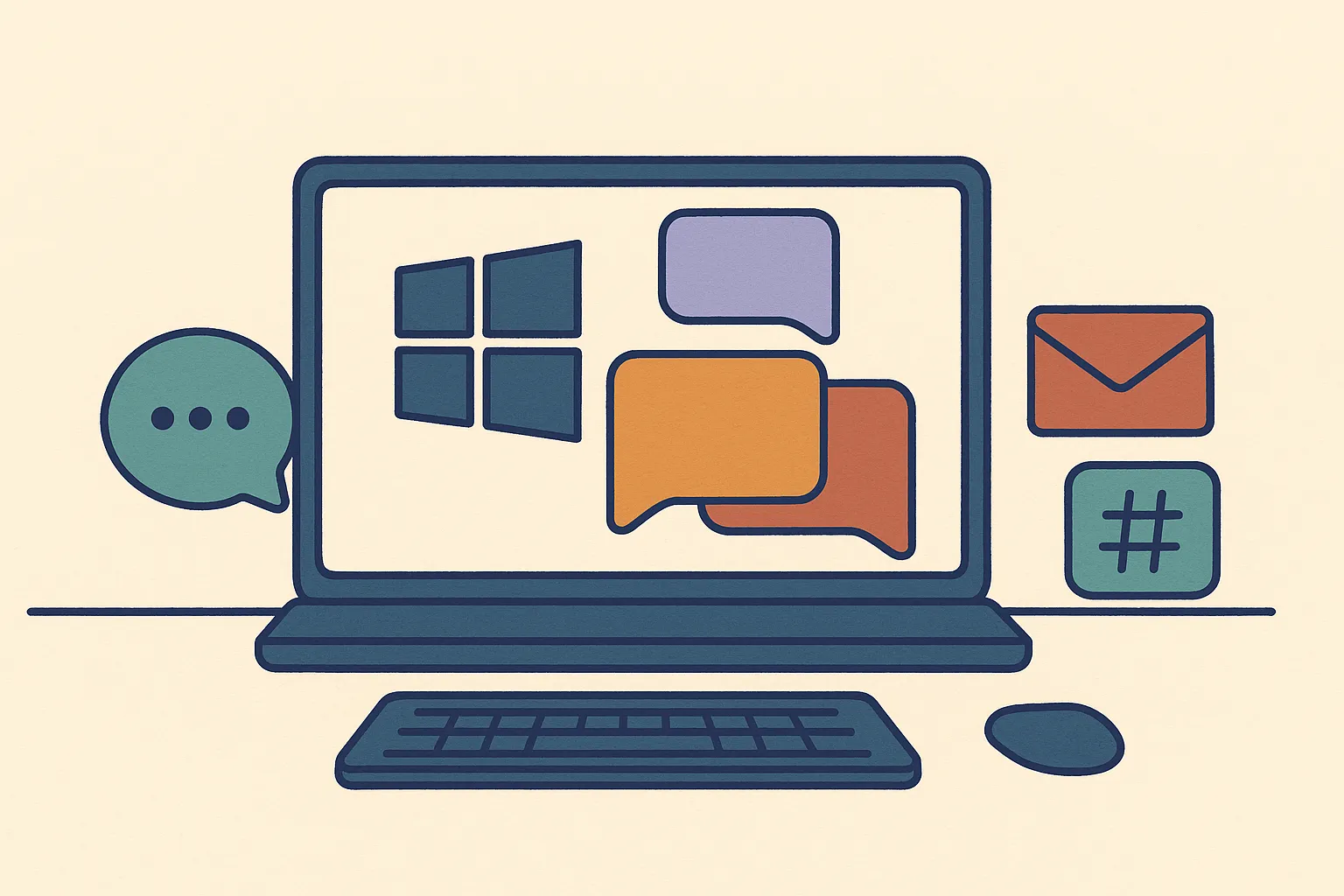
Messaging app for Windows: keep every chat in one desktop workspace
Use WhatsApp, Slack, Telegram, email, and more from one Windows desktop app. Learn when a dedicated messaging workspace beats browser tabs today.

WhatsApp desktop alternative: WhatsApp, Telegram, and chat in one app
Use WhatsApp, Telegram, Messenger, Slack, and email in one desktop app. A practical guide to a calmer WhatsApp desktop alternative with Franz.
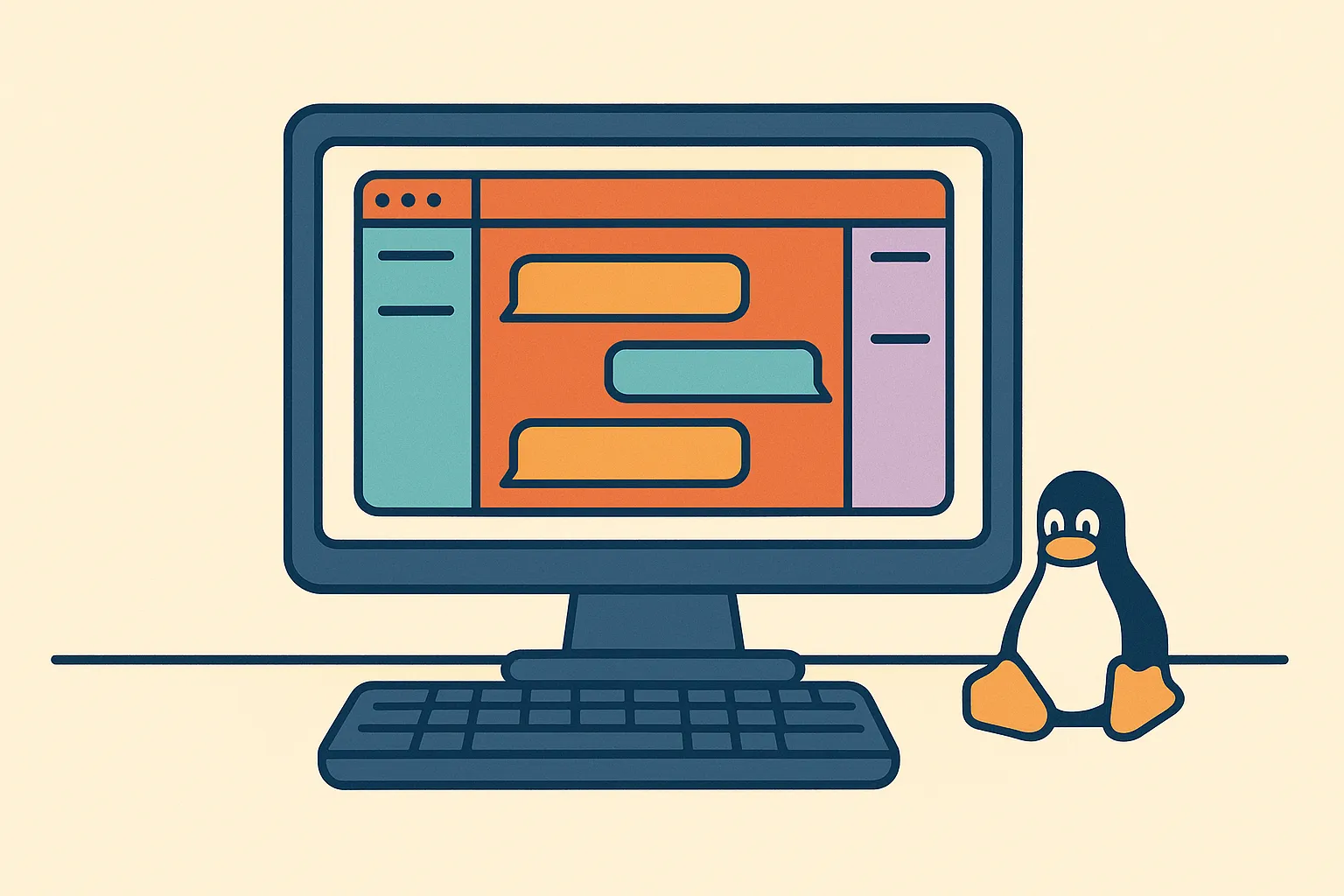
Messaging on Linux: WhatsApp, Slack, Telegram, and more in one app
Linux messaging gets messy when WhatsApp, Slack, Telegram, Messenger, and email live in separate tabs. Franz brings them into one desktop app.
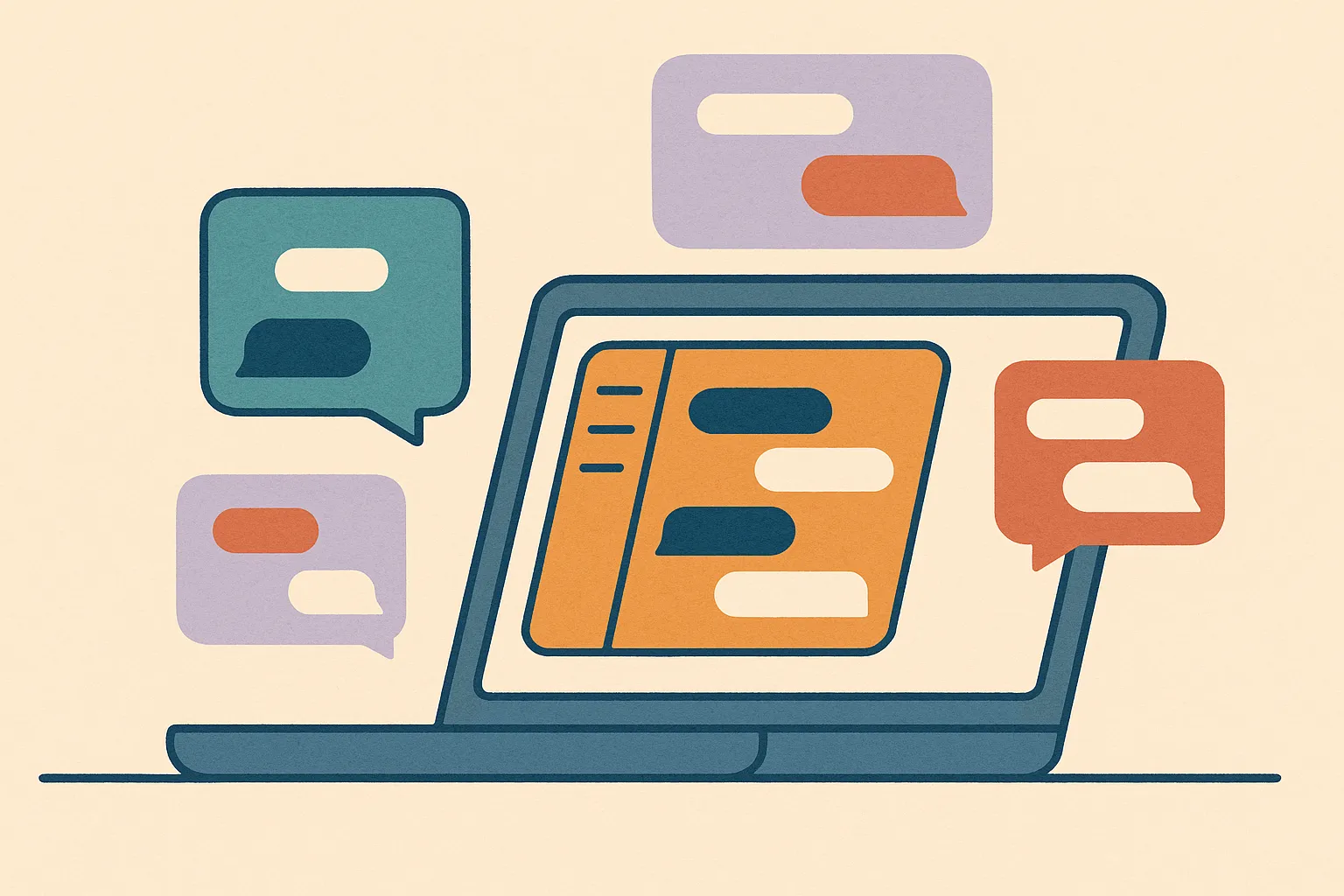
All-in-one messenger: keep every chat in one desktop app
Bring WhatsApp, Slack, Telegram, Messenger, email, and more into one desktop app. See when an all-in-one messenger helps and how Franz keeps it simple.
Context Switching Is the Productivity Tax Nobody Tracks
Context switching is the productivity tax nobody tracks. Discover the hidden focus drain across your inboxes, and how Franz ends it for good.

How Dedicated Workspaces Prevent Multi-Client Mix-Ups
Dedicated Franz workspaces keep client services, notifications, and context apart so freelancers and teams avoid costly multi-client mix-ups.
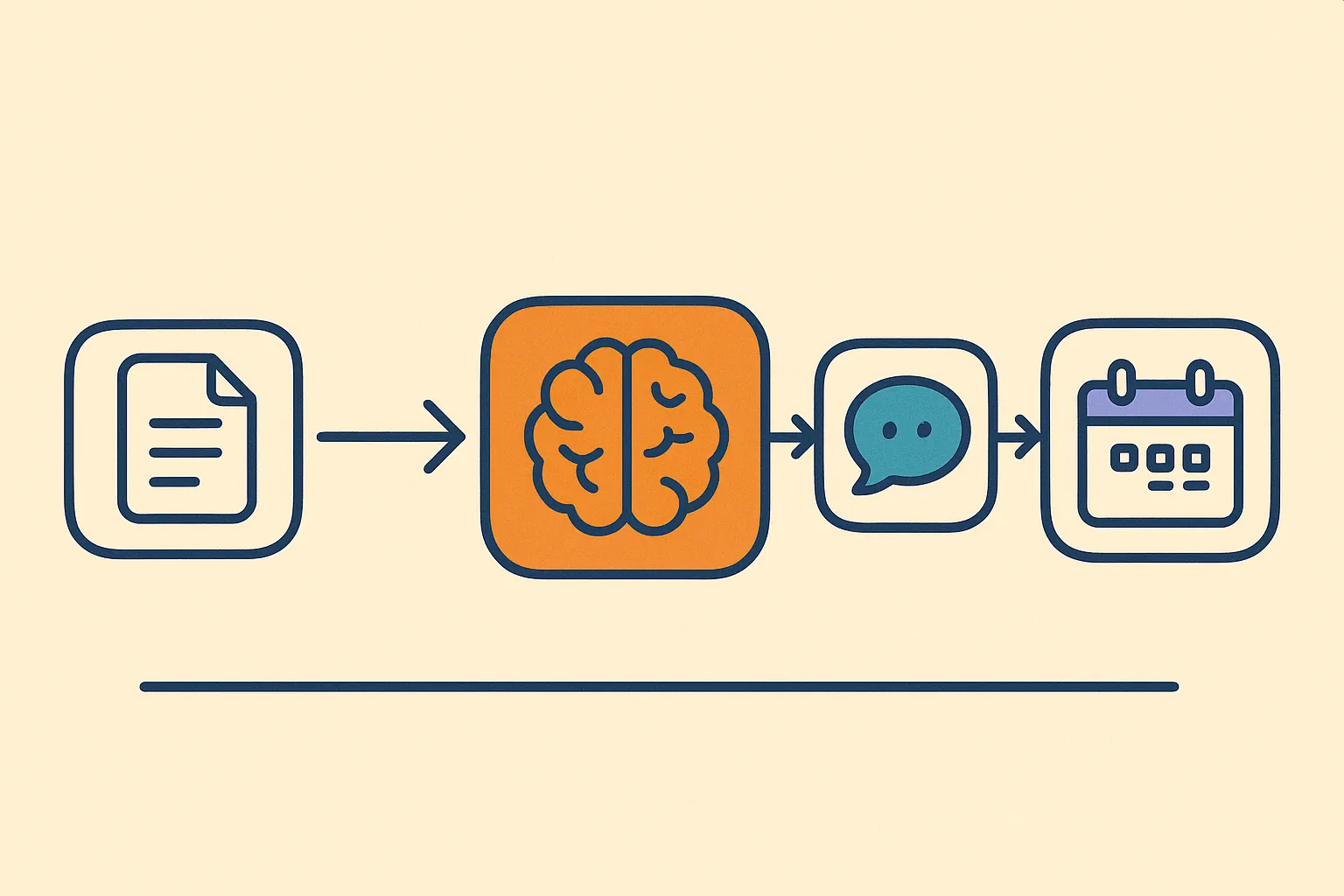
5 AI Automation Tools That Work Across Your Workflow
Compare five AI automation tools for cross-app workflows, from Make and Zapier to n8n, Relevance AI, and Bardeen, without rebuilding your entire stack.

Add Slack, WhatsApp, and Signal to One Window
Add Slack, WhatsApp, Signal, email, and more to one Franz window so every account stays signed in, separated, and reachable from one sidebar.
More from Franz
- A better question matched the new decision models on my inbox Everyone is talking about decision models, so I measured one on my own inbox. One line of context got Franz level with it, and here's where Jev still wins.
- Why a calendar was the last piece Franz needed Adding a calendar to Franz was easy. Making it belong was the hard part. Why I waited until messaging, email, and the AI layer were in place.
- How to stop missing client messages across email, chat, and WhatsApp Build a client communication workflow across email, Slack, WhatsApp, Signal, and project tools so fewer replies slip through and trust stays intact.
- Franz 6, and the end of an exception Why long-time free users now share the same Franz 6 plan as everyone else, what still works in Franz 5, and why paid users keep Franz alive for the next decade.
- Why Franz Runs on European Infrastructure Privacy is not a privacy policy. It's a vendor list. Why every server, AI call, and email Franz touches answers to a European court. A founder's note.