 Nº 09
Nº 09– Bi-weekly Dispatch –
The Franz Telegraph
One keystroke finds everything you have.
One keystroke finds everything you have.
Last dispatch I told you the cross-service search bar ships with the next Franz release. It went out on Monday, and it's called the magic bar.
Here's what it does. Press Cmd+J, or Ctrl+J on Windows and Linux, from anywhere in Franz. Type a name. The mail from that person, the WhatsApp and Signal messages, the todo you wrote about them, the calendar entry, the service itself, all of it comes up in one list, grouped by where it came from. Enter opens the one you picked, and switches workspace if that's where it lives. Type a slash for filters like from: or unread or has-attachment, or point the whole search at a single service.
Press Tab in that same bar and it turns into Ask Franz. The answer streams in right there, and Cmd+Enter hands the conversation over to the assistant when you want more room.
Ask Franz got rebuilt underneath for this. Ask it something that takes several steps, e.g. which customers are still waiting on you and draft each of them a reply, and the drafts come back together at the end. On 6.7.1 that same question gave you nothing at all.
This went out to the beta channel, not to everyone. If you're on the normal release you don't have it yet. Open Settings, find Beta program, turn it on. It applies to every machine signed into your Franz account, so it's a one-time thing.
Confirmed.
Translate anything, anywhere. Select text in any service, right-click, pick Translate. The card keeps the original next to the translation, both languages are chips you can change, and Swap flips them. Franz Pro and Max, on whichever model you've set up.
Snippets, for the replies you write over and over. Save one, drop it into whatever message field you're in, and your library follows your Franz account onto every machine you use.
Links from a service have always opened inside Franz, and you've always been able to switch that off. What's new is the browsing: that window has back, forward and an address bar now.
1Password autofill works on Windows. Last dispatch said Windows was next, and here it is: the padlock fills your logins and your one-time codes.
And if a mail ever arrived with a blank reading pane on an IMAP account, this is the version that fixes it.
That's the short version. The changelog has the rest.
Four days on a bike.
Some of you read the ten years piece in May. In it I wrote about the serious accident I had at the start of last year, and that the recovery, both kinds of it, is still going. I'm not adding to that here. But a lot of you wrote to me after that post, so there's one part worth reporting back.
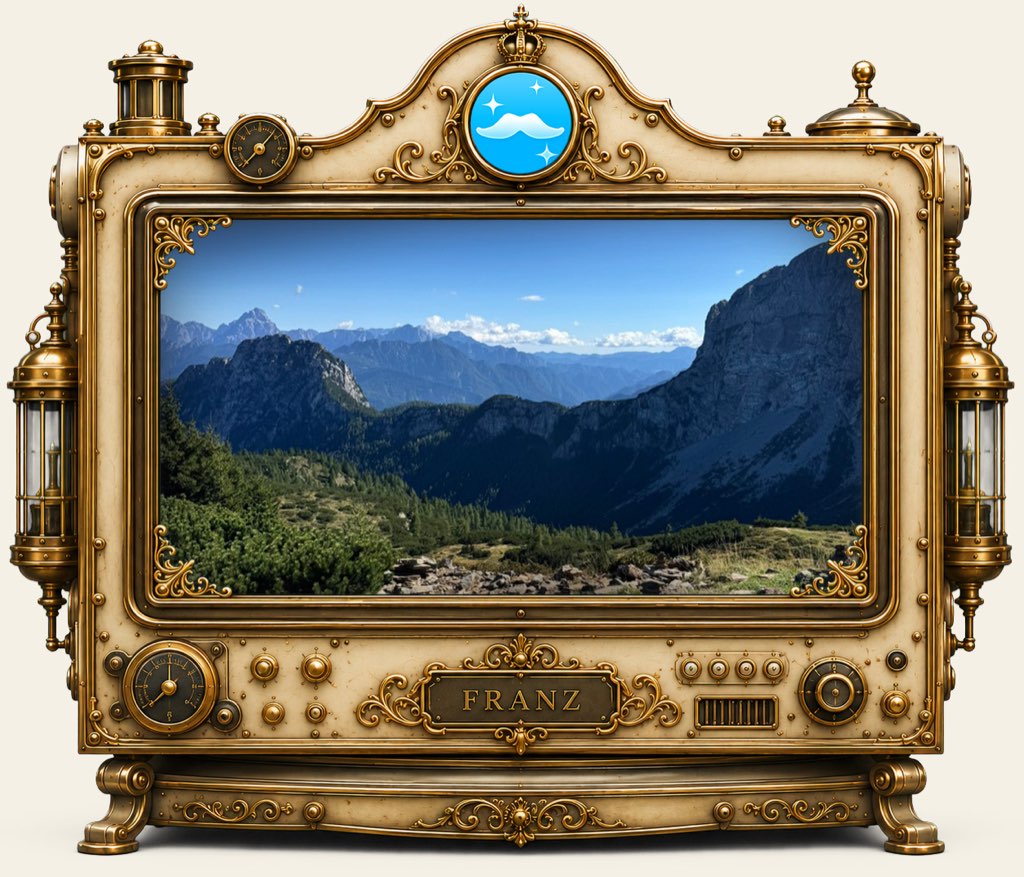
I'm getting back on my bike. It took a while, and for a long stretch it wasn't happening at all. Last week I spent four days mountainbiking in the Austrian and Italian Alps, which is the first time I've done anything like that since.
I went partly to get my head empty. The last stretch before a release is the part where you've stared at your own work for so long that you stop seeing it, and sitting there longer doesn't fix that. Four days away, and the release got finished in the week after. That happens to me often enough now that I plan for it, and it works at much smaller sizes too: an afternoon off is quite often cheaper than the afternoon you'd have spent staring.
Vote by return cable.
Something I've wondered about for a while, and I've got no idea which way this one goes.
The cable is always open. Reply to any dispatch, about anything, and you are writing straight to me.
– Stefan, founder of Franz